In this article, our team shares its Smarters Player Lite app reviewsa modern streaming app and IPTV player. After several tests, we present the strengths and limitations of this pro version, comparing it to other IPTV applications in order to help users find a practical, reliable and pleasant solution to access their favorite channels.
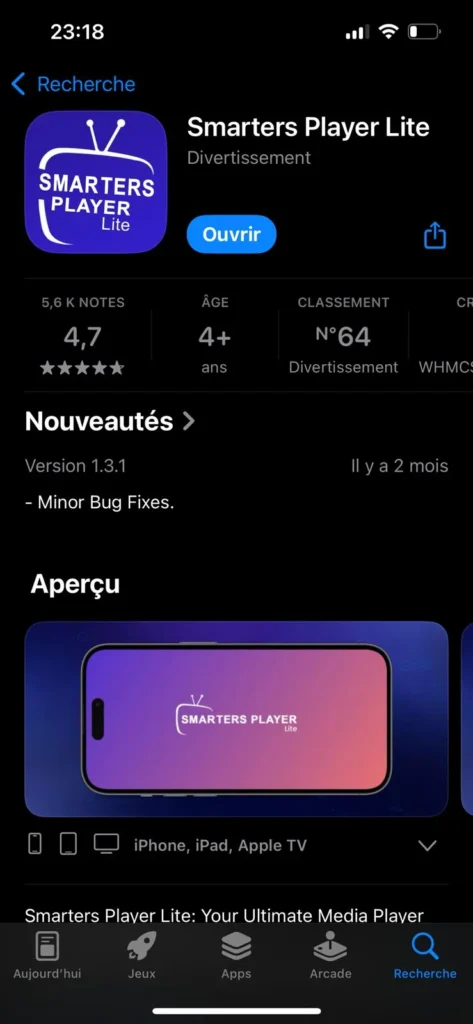
Download the app via the app store.
What is Smarters Player Lite?
Smarters Player Lite is a streaming application and IPTV player that allows you to watch TV content over the Internet without relying on traditional, often limited methods. With this convenient streaming app, users can access live channels, movies and series from M3U playlists or via an Xtream Code link.
Go to this article to find the best IPTV subscription to associate with the application.
Our opinion
After a substantial trial period, our opinion is generally positive, but nuanced. Initially, Player Lite is a responsive application, offering a smooth streaming experience: immediate playback, HD quality (sometimes 4K depending on the format), intuitive interface and well-thought-out features (favorites, M3U playlists, search function). It is a practical solution for users looking for a reliable IPTV player, compatible with many devices, and allowing easy access to your favorite programs (live channels, movies, series, VOD).
Over time, however, we noticed less consistent performance: a few micro-cuts, slower playback on certain sources and less flexibility on specific IPTV services, while IPTV Smarters Pro seemed to us to offer more pro options (user-friendly interface, advanced settings, better adaptation to the network). Nothing prohibitive, but the simplicity of the Lite version sometimes pays off in terms of control and functionality.
First, we have downloaded the app since theApp Store
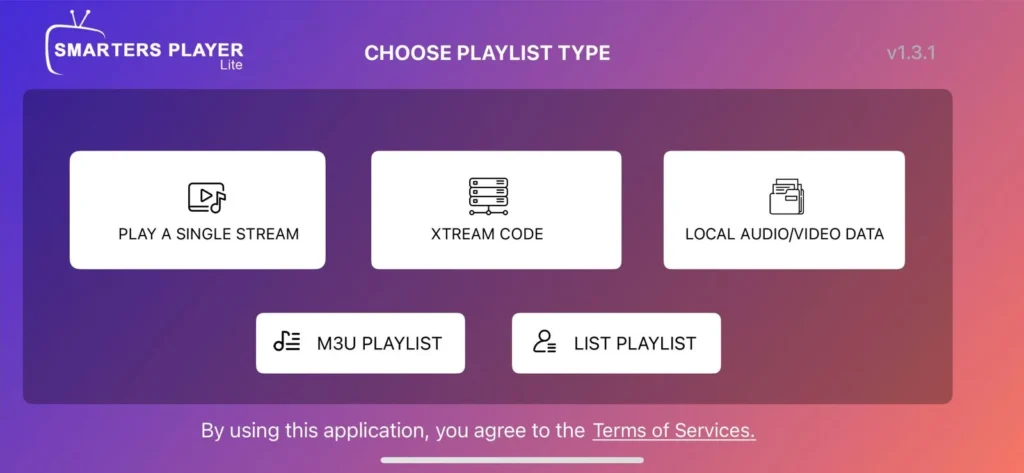
Once the app is installed and opened, an intuitive interface and advanced features appear, similar to the one shown below. At this point, simply select the source of your IPTV channels: either an Xtream Code link or an M3U playlist.
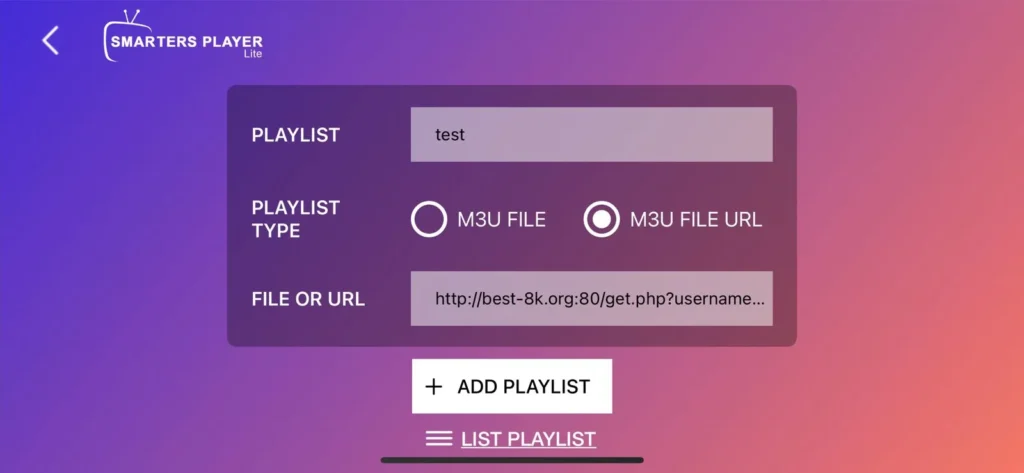
Personally, I chose to add an M3U playlist and integrate the codes from my IPTV subscription. This operation was done with ease, thanks to the user-friendly interface of Smarters Player Lite.
New to IPTV? Check out our IPTV tutorial from A to Z.
Then a new interface appeared, and I thought everything was configured correctly. The Smarters Player Lite application seemed to have integrated my M3U playlist well, displaying my IPTV channels, films and series in a clear and pleasant format.
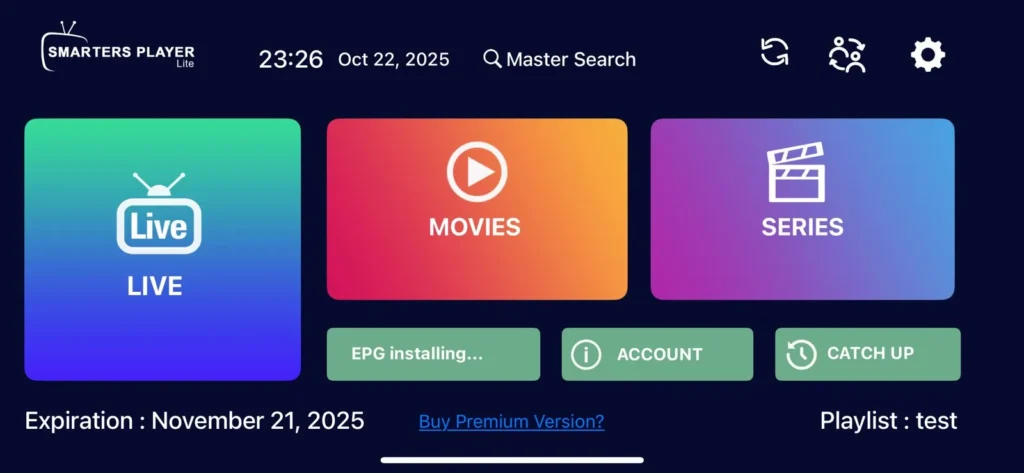
However, as soon as I tried to launch any content, whether it was a movie, a live channel or a series, the streaming application indicated that it was loading the content — which is completely normal the first time.
But this time, the loading time was abnormally long. Despite several attempts, playback did not start, leaving the screen stuck in the loading stage.
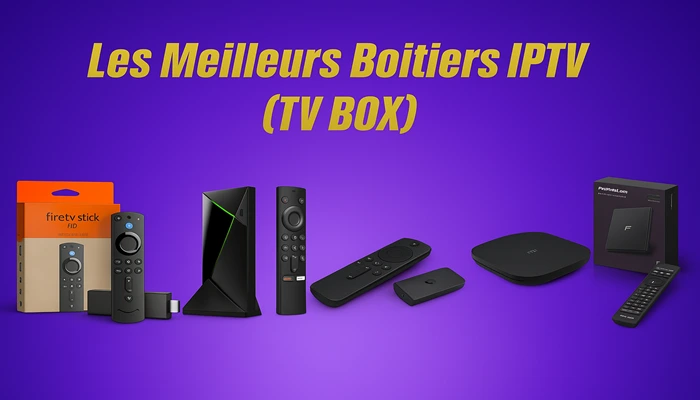
Want a better IPTV experience? An IPTV box is the solution.
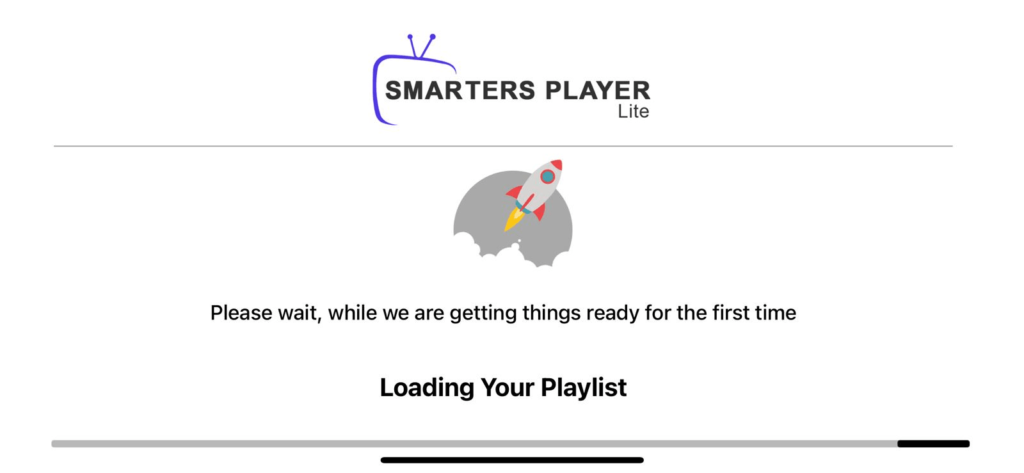
The app then got stuck in this state, not showing any content, even after a long wait.

In summary, my experience with Smarters Player Lite was not as satisfying as I expected. A while ago, the app worked perfectly: content loaded quickly, playback was smooth, and I was able to easily access my favorite programs in seconds.
Alternative to Smarters Player Lite
GSE IPTV
Among the best alternatives to Smarters Player Lite, GSE IPTV stands out for its simplicity, intuitiveness and reliability. This IPTV player stands out for its performance: the content loads quickly, playback is smooth, and the image quality often reaches HD or even 4K, depending on the source and the IPTV service used.
What makes GSE IPTV particularly attractive is its ease of use. Even users looking for a practical solution, without prior experience in the world of IPTV, can find their way easily. The intuitive interface and well-thought-out features explain everything themselves — no complexity, no confusion.
ORA IPTV Player
Recently discovered, ORA IPTV Player really surprised me with its quality and performance. In a market where it is rare to find IPTV applications working without bugs, loading delays or playback errors, this streaming application clearly stands out.
From the first tests, the content played back smoothly, with an optimal streaming experience. ORA IPTV Player supports various formats, including M3U playlists, and makes it easy to access your IPTV channels, whether they are movies, series, or live channels.
See other alternatives:
Best Android Players (Top 16)
Top 8 IPTV Apps for TV [Samsung + LG]
Conclusion
Our review of the Smarters Player Lite app was mixed: despite a user-friendly interface and convenient features, we encountered some performance issues. Share your opinions in the comments to learn more about your streaming experiences with this IPTV application.